
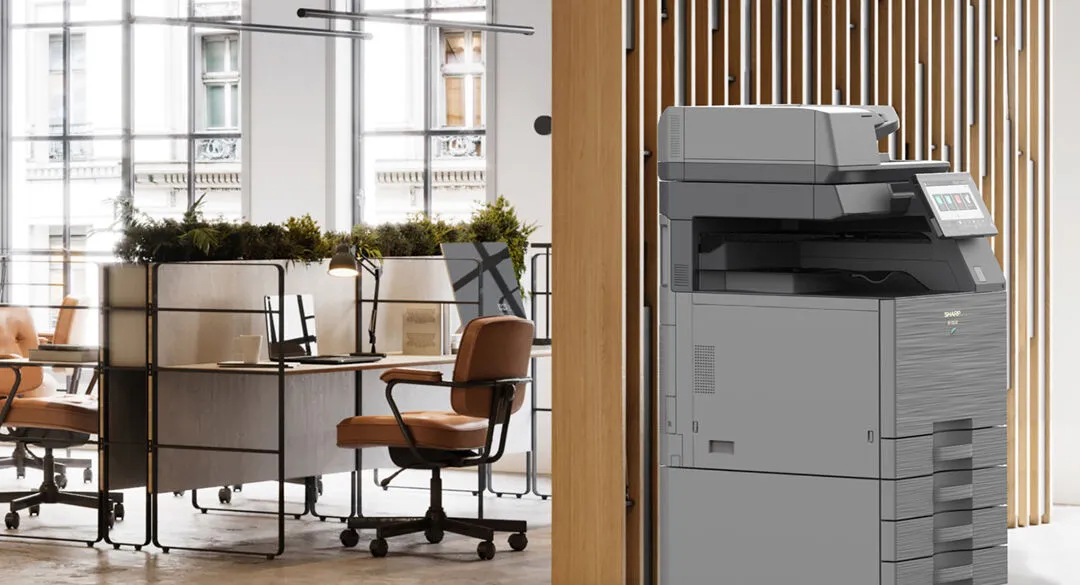
Yes. When your business needs change, you can upgrade a leased printer mid-contract: the existing printer lease is paid out and a new lease term begins. It is the most common reason businesses come back to the print market, usually around year three or four of a five-year lease. Whether it is worth doing comes down to one comparison: the new monthly figure, with the payout inside it, against what you pay now.
Why year three is when this comes up
Most printer leases run 36 to 60 months, and businesses change faster than machines wear out.
A few years in, an office has usually taken on staff, changed what it prints, or discovered the printer it chose for occasional colour is now producing client-facing documents every week. A two-person practice that is now four, still running the one machine it leased at the start, feels that first. At the same time the hardware has moved on enough that a newer model does the work for a monthly figure close to what is already being paid. Those two things arriving together is why the industry treats the rollover as a cycle.
Find out the payout position across the whole term before you reach that point. The four structural parts of any agreement, including how it ends, are set out in printer lease contract terms.
How a mid-contract printer lease upgrade works
Four steps, in this order. Skipping the second is where most bad upgrades start. On the finance side this is sometimes called a lease upgrade or a refinance, because the remaining liability on the old lease is rolled into the new one.
| Step | What happens |
|---|---|
| 1. Establish the payout | The remaining balance on the existing lease is calculated. It depends on the term remaining, whatever the printer's condition. |
| 2. Read the actual usage | Current meter reads, split colour and mono, plus the finishing and paper sizes you have used over recent months. |
| 3. Size the replacement | Against that real usage. Often the answer is a different class of machine altogether. |
| 4. Structure the new lease | The payout is settled and a new lease begins. Compare the new monthly figure with the current one. |
Step two decides whether the replacement fits. An office that assumed it barely printed colour and finds a third of its volume is colour needs a different machine from the one it was about to sign for. That reasoning is set out in colour or monochrome.
What happens to your monthly payments
The comparison that decides it
They may rise or fall. What matters is the new monthly figure set against what you pay today, once the payout is inside it. If that figure is close to flat and the machine fits the office, the upgrade makes sense. If it is well above, waiting until closer to term usually costs less.
Ask for three figures on one page: the payout on the existing lease, the new monthly payments, and the new lease term. Without all three there is nothing to compare, and a new monthly figure on its own will always look better than it is.
The variables that move the new figure are the same ones that move any quote: machine count, volume, colour ratio, paper size, finishing, software, service level and term length. Those are set out in what a photocopier lease costs.
Penalties and fees for upgrading early
Usually not a penalty as such. The payout is the remaining payments on the lease, and some financiers add an administration fee for ending early. Read your current lease for any clause that restricts an early upgrade or asks for notice before you go looking.
What to change when you upgrade
An upgrade is the one moment in the term when the whole setup can be put right at once. Size it against what the office does now.
A3 or A4
An A4 multifunction printer handles everyday documents. An A3 machine adds larger formats for spreadsheets, plans and booklets, usually with more paper capacity and faster scanning. If A3 has turned out to matter, or never has, an upgrade is the time to change. Your meter reads show which way to go.
Secure print release
Jobs are held until the person who sent them identifies themselves at the machine with a card or PIN, so nothing sits in the output tray. Most current machines have secure or hold print built in, released with a PIN. Print management software such as PaperCut MF adds card release, follow-me printing and usage reporting, and is set up when the new printer goes in. The detail is in office print security.
Security features to prioritise
Encrypted storage, a data overwrite function, firmware integrity checks and user authentication on the machine, then secure release for the paper. The full list, and what each one does, is in what security features to look for in an office printer.
Scanning into your existing document storage
A current multifunction printer can scan straight to email or a network folder, and to the cloud storage your office already uses, so paper records land where people look for them. Cloud destinations may need an add-on such as uniFLOW Online or Cloud Connector. Ask for the connection to be set up as part of the installation.
Cloud print and the changeover
Cloud print management such as uniFLOW Online lets staff print to one queue instead of to a particular machine. When the new printer arrives, nobody's computer needs to be set up again, which takes most of the disruption out of the changeover.
The data on the old printer
A returned multifunction printer can hold copies of what it printed and scanned. When equipment comes back to us on an upgrade, its hard drive is written over several times to wipe the data and shadow data, and we provide a certificate on completion.
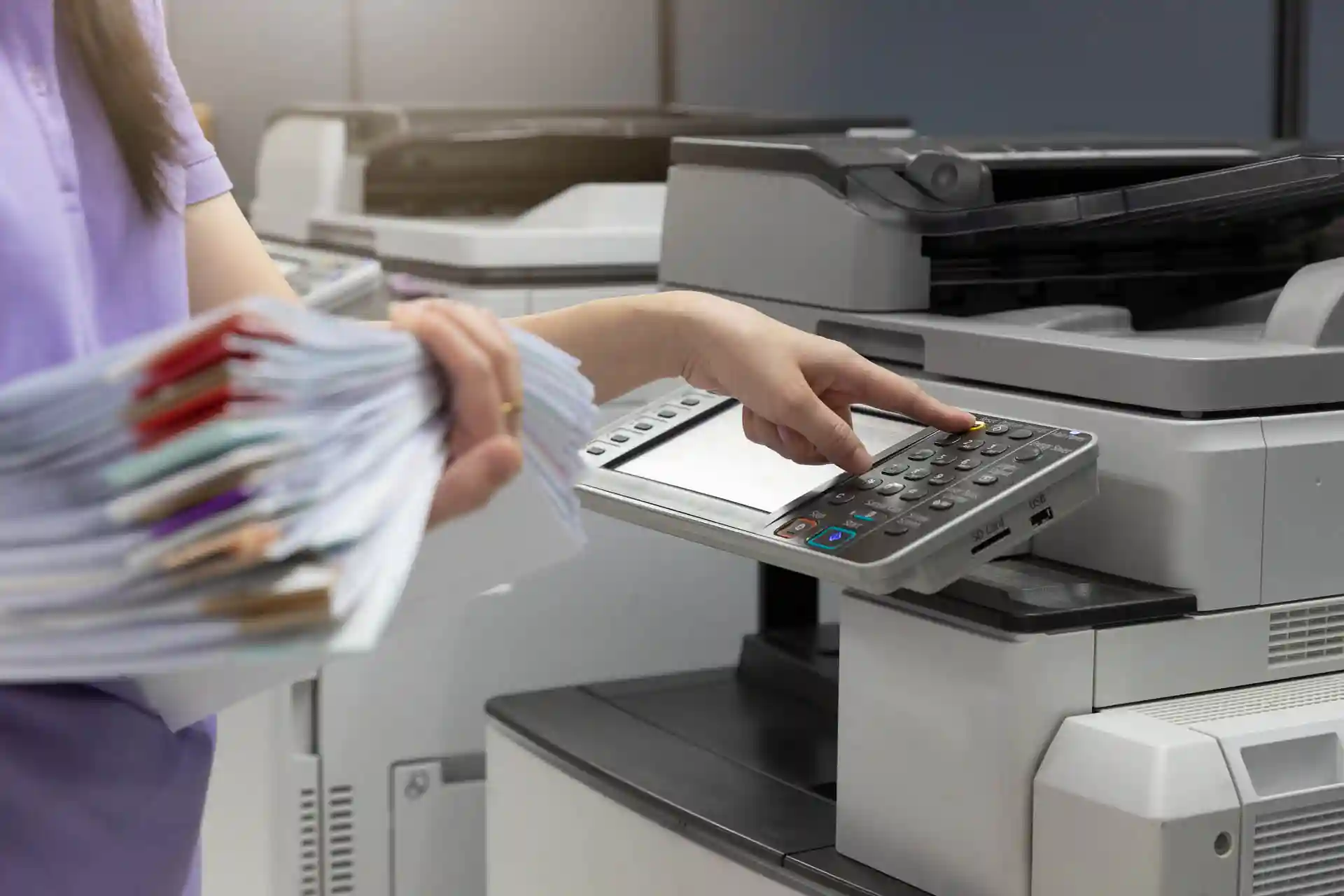
The usual trigger
Outgrowing the machine rarely announces itself
Volume creeps up, colour goes from occasional to constant, and nobody notices until the printer that used to be more than enough is running flat out. Meter reads show the change months before anyone feels it.
When to upgrade your printer lease
- The machine no longer fits the work. Volume has outgrown it, or colour has gone from occasional to constant, or A3 turned out to matter after all.
- Reliability has become a running cost. If the printer is down often enough that people work around it, the disruption is already costing more than the contract line suggests. In a one-machine office there is nothing to work around to. The costs that never appear on a quote are set out in the total cost of owning an office printer or photocopier.
- Something the office needs is missing. Secure print release, scanning into the document system, or per-client cost allocation the current setup cannot do.
- Several machines no longer match. Where an office runs a mix of brands and models, standardising at the upgrade is usually where the saving is.
When staying put is the right call
- You are close to term. Twelve months out, the payout usually outweighs the benefit. Wait, and plan the replacement properly.
- The machine fits and works. A newer model is not a reason on its own.
- The pitch is only a discount. If nobody has asked for your meter reads, the offer was built around their timing and says nothing about your usage.
- Nothing has changed. If the office prints what it printed three years ago, on a machine that has not missed a service, there is no problem to solve yet.
When your printer lease is ending: renew, return or upgrade
At the end of the term there are three paths. Return the machine if the need has gone. Extend or renew the current lease, which keeps the monthly figure familiar but keeps older technology in place. Or upgrade to a machine that fits what the office prints now. Check how much notice your lease needs before it ends, because an agreement that rolls over by default decides for you.
Start about six months out. That leaves time to read the meter history, size the replacement and line up the changeover so the new printer is installed as the old one goes, with no gap in between. If the lease runs a shorter term, start sooner.
How leasing and owning differ for tax
Lease payments are generally claimed as an operating expense as they are incurred. An owned machine is written off in full under the instant asset write-off if the business is eligible and it costs less than $20,000, pooled if it costs more, or otherwise depreciated over its effective life. Which suits your business is a question for your accountant. The structural difference is set out in how ATO depreciation and leasing compare.
Switching provider at the same time
An upgrade and a change of provider are separate decisions that often happen together, because the payout has to be dealt with either way.
We can pay out your existing contract. What that costs depends on your term remaining and your current monthly figure. Send both and the real numbers can be worked out, including the cases where the answer is to stay where you are until closer to term.
If you are also reconsidering the agreement type, the three structures work differently on cost and on who carries what. A standard lease holds the hardware finance and the service agreement apart, managed print services charge a fixed cost per page, and the Unlimited Print Plan is one flat monthly rate covering every page. The terms behind each sit on photocopier and printer leasing in Sydney.

Where several machines no longer match
111 machines, 36 models and five brands, down to four models
One aged care group ran 111 machines across 14 facilities, from five brands and 36 models, because each facility was deciding on its own. Moving them onto one plan with four standardised models cut their average monthly print spend by 26 per cent, around $66,000 a year. That work is written up under aged care.
Doing this in Sydney
The arithmetic of a payout is the same anywhere. What differs locally is who handles the changeover and what happens afterwards. A machine swap involves delivery, network setup, driver deployment and usually a short window where both devices are on the floor.
With us you get the same person every time. We have run Axia from Frenchs Forest since 1996 with our own technicians, who install the new printer and train your staff. When a line appears on a page afterwards, you ring the same person. Faults are fixed in hours, not days, with an average repair time of 3.2 hours. Emergency response across Sydney metro is under four hours, and we have over 90% customer retention. The hardware sits across the Canon range and the Sharp range.
Before signing a replacement agreement, note that Australian small businesses have statutory protection against unfair terms in standard form contracts, strengthened in November 2023. The ACCC publishes what that covers.
Frequently asked questions
Is it possible to upgrade my leased printer mid-contract if my business needs change?
Yes. The existing printer lease is paid out and a new lease term begins, usually with the payout folded into the new monthly figure. It is most common around year three or four, when the machine has stopped matching the office. Whether it makes sense depends on how the new monthly figure compares with the current one.
Will my monthly payments increase if I upgrade early?
Possibly. A large payout or a bigger machine pushes the figure up; a longer new term or a machine that suits your volume better can hold it steady. Ask for the payout, the new monthly figure and the new term on one page before you decide.
Can I change from a colour printer to a monochrome printer mid-lease?
Yes. It works like any other upgrade: the old lease is settled and the new lease covers the machine that fits. Read your meter history first, because the colour ratio decides whether mono, colour or one of each is cheapest.
What happens to the old printer when I upgrade?
Under an operating lease or a managed agreement the machine usually goes back to the provider or the financier, so it is collected as part of the changeover. If you own the device outright, disposal is yours to arrange, including securely clearing any data held on it.
Are there penalties for upgrading a printer lease early?
Usually the cost is the payout itself, meaning the remaining payments on the lease, sometimes with an administration fee on top. Early in the term the payout is large enough that waiting usually costs less unless the machine does not fit.
What is the difference between A3 and A4 multifunction printers?
Paper size. An A4 multifunction printer handles letters, forms and everyday documents. An A3 machine also prints and scans at twice that size, for spreadsheets, plans, posters and booklets, and usually carries more paper and scans faster. Most one or two machine offices only need A3 if they produce those formats regularly.
What are the benefits of upgrading to an A3 multifunction printer?
Larger formats done in the office, usually with more paper capacity, faster scanning and finishing such as stapling and booklet folding. For an office that regularly sends large-format work out, it saves that time and cost. If your meter reads show little A3 work, an A4 machine usually costs less to run.
Can I add software like PaperCut MF during a mid-term upgrade?
Yes, and it is the easiest time to do it. PaperCut MF is quoted into the new agreement and configured when the new printer goes in, for card release, follow-me printing and usage tracking.
How does secure print release work on modern leased printers?
You send the job as usual, and the printer holds it until you tap a card or enter a PIN at the machine. It prints while you are standing there, so nothing sits in the tray for someone else to pick up. A job you never release is never printed.
What security features should I prioritise in a 2026 printer upgrade?
On the machine: encrypted storage, a data overwrite function, firmware that verifies itself at start-up, and user authentication. Around it: secure print release, so nothing waits in the tray. Current Canon models add hardware protection too: the C3900i series carries Trellix embedded protection and TPM 2.0, and the A3 mono 4900i series a TPM 2.0 chip. The full list is in office print security.
Can I integrate my new printer with my existing document storage?
Usually, yes. A current multifunction printer can scan straight to email or a network folder, and scanning to cloud storage such as SharePoint or Google Drive may need an add-on such as uniFLOW Online or Cloud Connector. Ask for whichever you use to be set up at installation, so the first scan lands in the right place.
How does cloud print software assist with a lease transition?
Staff print to one queue in the cloud, so when the new printer goes in, it is added to that queue and nobody's computer has to be set up again. Cloud print management such as uniFLOW Online also keeps secure release and usage tracking running through the changeover.
How do I know when to upgrade my printer lease in Australia?
When the machine no longer fits the work, when breakdowns have become a running cost, or when something the office needs is missing. Around year three or four is the usual point. Within about twelve months of the end, planning the replacement usually costs less than moving early.
My current office printer lease is ending, what are my options for renewal or upgrading?
Return the machine, extend or renew the current lease, or upgrade to a new one. Check the notice period first, because some leases roll over by default. Start about six months out, so the replacement can be sized from your meter history and installed as the old machine goes.
What should I consider regarding data security when upgrading?
Two things. The new printer should have encrypted storage, data overwrite and secure release set up from the start. The old one should have its drive wiped when it leaves: when equipment comes back to Axia on an upgrade, its hard drive is written over several times and a certificate is provided on completion.
Can leasing a printer provide tax benefits for my business?
Generally, yes. Payments on a new lease are deductible as an operating expense as they are incurred, so moving to a new lease keeps that treatment and changes the amount. The comparison with buying, including the instant asset write-off, is in how ATO depreciation works for office printers and copiers.
Can a new provider pay out my existing printer lease?
Yes. We can pay out your existing contract, including one with another provider. Provide the term remaining and your current monthly figure and the position can be worked out precisely.
Does a new lease reset the lease term when I upgrade?
Yes. The new lease starts with its own term, so the trade is a machine that fits, often at a similar monthly figure, for a fresh term. Ask for the new term alongside the payout and the monthly figure so you can see all three.
Do I have to upgrade every machine at once?
No. Where an office runs several machines of different brands and models, standardising is usually where the saving is, so it is worth considering them together.
Mid-term and wondering where you stand?
Send your term remaining and current monthly figure. We will tell you what a move would cost, including when the answer is to wait.
Get your quoteAxia Office · Unit 6, 14 Rodborough Rd, Frenchs Forest
NSW 2086
(02) 9975 0888