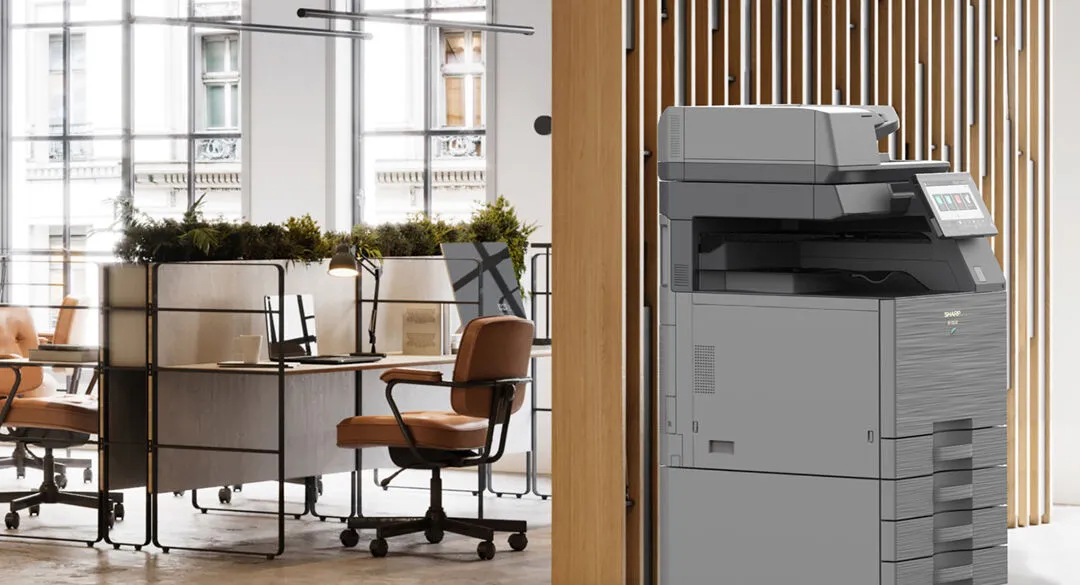
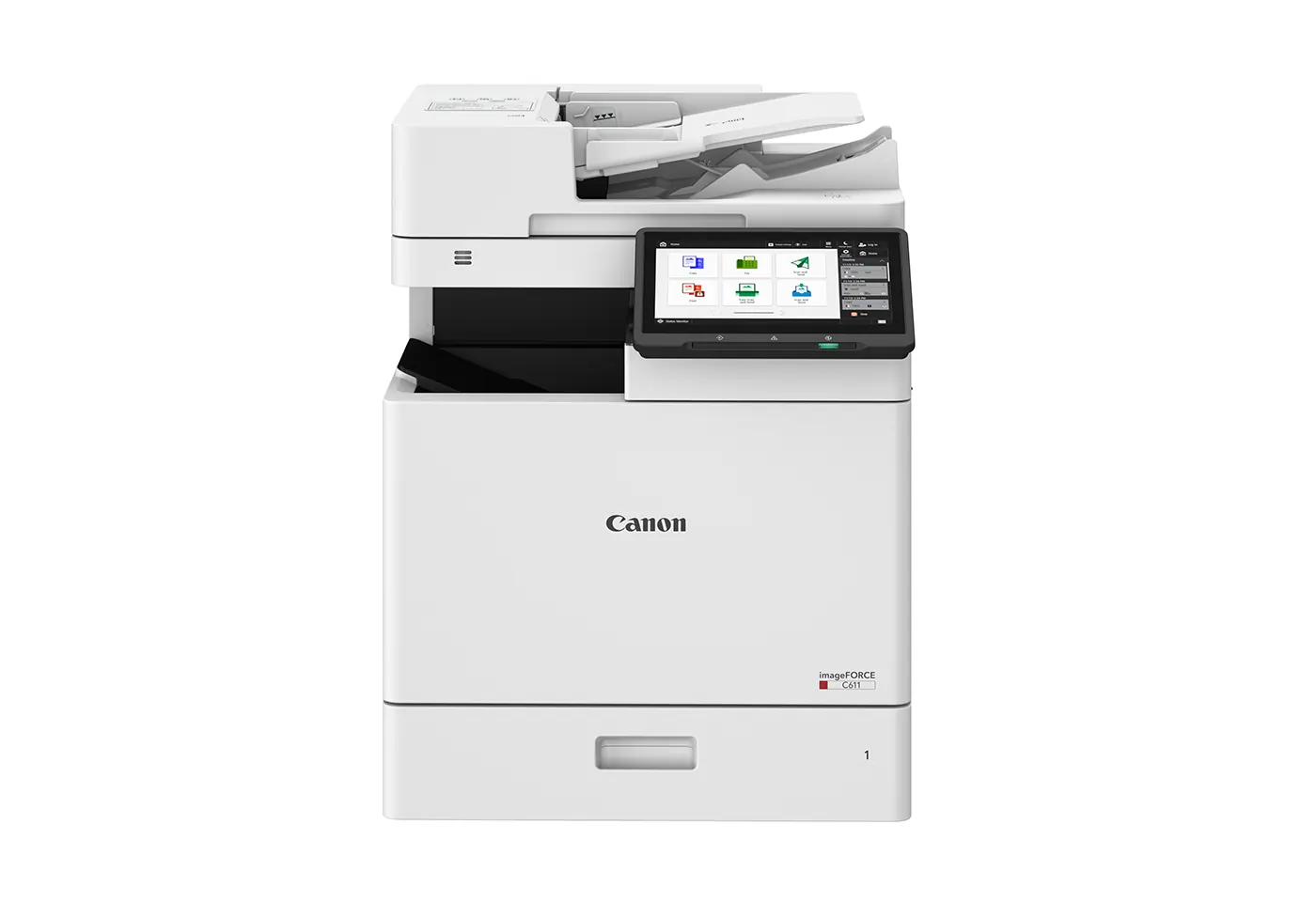
Quick Answer
Choose by how much of your printing needs colour, which your printer's meter reads already show. If most of what your office prints is text, a monochrome laser multifunction printer (MFP) costs less to run. The Canon imageRUNNER ADVANCE DX 4925i is a 25 ppm A3 mono MFP for everyday documents and scanning. If client-facing colour goes out most weeks, a colour MFP set to print in black and white by default is the better single device. The Canon imageRUNNER ADVANCE DX C3930i is a 30 ppm A3 colour MFP that scans at up to 270 images per minute. A two-machine office is usually best served by one of each.
Summary of Key Considerations
- Monochrome MFPs run on one black toner and give a lower cost per page for text-heavy offices.
- Colour MFPs run on four toner cartridges (CMYK) and cost more per page, but keep client-facing documents in house.
- Compare the total cost of ownership (TCO) across the term, hardware and consumables together, rather than the monthly figure alone.
Start with your colour ratio, which your meter reads already show
Every multifunction printer keeps a meter reading that separates colour pages from mono pages. That number settles most of this question, and it is worth checking before anyone buys.
Offices misjudge it in both directions. Some assume they barely print colour and find a large share of their volume is colour, because the default driver setting was never changed. Others assume colour is central and find the client-facing work is a small share of a mostly internal print load.
Pull the meter reads for the last three months before deciding anything else. It is the same figure a provider should build a quote from, which is why whether they asked for it is one of the questions to ask a photocopier provider before you sign.
If you run a mono machine now, its meter will show no colour at all. Your colour demand sits in print shop invoices, or in a desktop inkjet somewhere in the office, so add those up instead.
If your office runs one machine
Most small offices have one multifunction printer doing everything, so the choice is which one machine. Two patterns cover most of them.
- Colour is occasional. A few colour pages a month, nothing client-facing on a deadline. A monochrome laser printer is the cheaper choice, and the odd colour job goes out.
- Colour is regular. Proposals, reports, listings or forms where colour carries meaning, most weeks. A colour MFP suits, set to print in black and white unless someone chooses colour, so everyday pages are charged at the mono rate.
For a one-machine office the second pattern is the more common answer, because one machine has to cover the week the colour work does arrive. The default setting is what keeps it affordable.
If your office runs two machines: usually one of each
With two machines, the usual shape is a mono device sized for volume handling the everyday load, and a colour device sized for quality handling client-facing work. A mono workhorse plus one colour machine often runs cheaper than two colour printers, provided jobs go to the right one.
That depends on the routing. Print management software can default jobs to the mono machine unless colour is chosen, and its usage reporting shows who is producing colour. The platforms are under software solutions, and the same setup supports secure print release, covered in office print security.
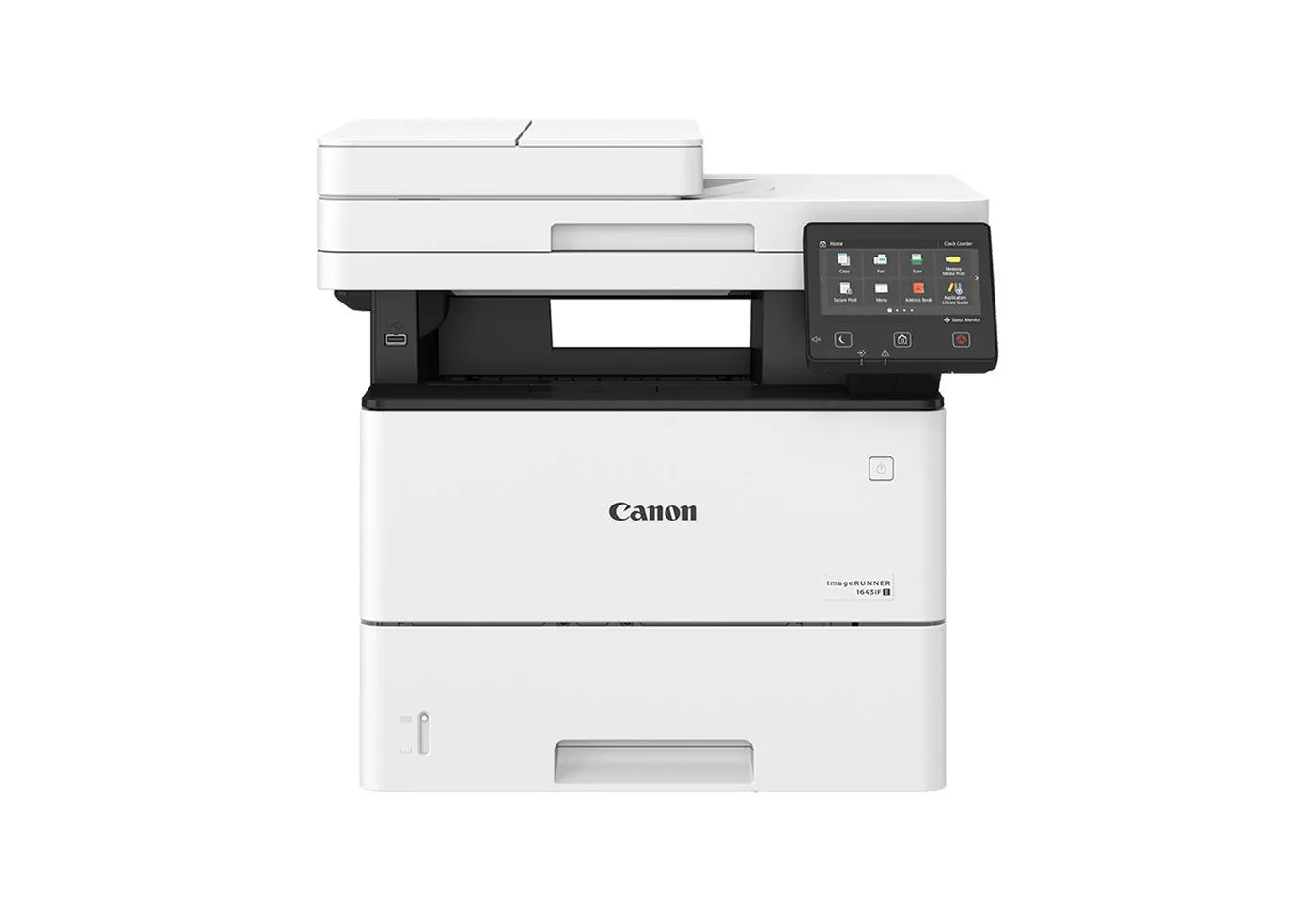
The mono workhorse
Where the everyday pages should go
Letters, invoices, forms, file copies and drafts make up most of what a small office prints. A monochrome printer handles them at the lowest cost per page, so the colour printer is kept for the pages that need it.
When colour is essential
Some work cannot go out in monochrome, and treating colour as an extra in these settings costs more than it saves once outsourcing and delay are counted.
- Real estate. Listings, property packs and window cards, produced to a deadline that leaves no time for a trip to a print shop.
- Proposals and tenders. Where the document itself is part of the impression.
- Marketing produced in the office. Brochures and flyers in short runs, where printing them yourself is the point.
- Documents where colour carries meaning. Charts, plans and coded schedules, where mono loses information as well as appearance.
The cost differences between colour and monochrome multifunction printers
A monochrome laser MFP runs on one black toner. A colour laser MFP runs on four (CMYK: cyan, magenta, yellow and black) and has more imaging parts to maintain. A colour page costs several times more than a mono page in toner alone, and colour-capable hardware costs more to begin with. That is why the colour ratio can move a quote as much as total volume does.
How that reaches your bill depends on the agreement:
- Lease or rental plus service. The printer sits on a lease or rental agreement, usually over 36 to 60 months, and service sits in a separate agreement.
- Managed print. Under managed print services you pay a fixed cost per page, with separate rates for colour and mono, so your ratio maps straight onto the bill.
- Unlimited print. The Unlimited Print Plan charges one flat monthly rate covering mono and colour, with no per-page charge. It suits offices whose colour use swings from month to month.
Across the term the ratio adds up, which is why it belongs in the total cost of owning an office printer or photocopier.
Black-and-white pages on a colour printer
A colour multifunction printer set to print in black and white uses black toner for those pages, and on a per-page agreement they are charged at the mono rate. The catch is a driver left on colour or on automatic colour detection. Then a coloured logo in a letterhead, or a template with a coloured heading, turns every page of an internal document into a colour page. Set the default to black and white.
Print speed on colour and mono printers
Canon's A3 colour imageRUNNER ADVANCE DX C3900 series runs at 22 to 35 pages per minute (ppm), and its A3 mono imageRUNNER ADVANCE DX 4900i series at 25 to 45 ppm. The fastest devices in a range are mono: Canon's A4 mono imageFORCE 710Z runs at 71 ppm against 61 ppm for its fastest A4 colour model, the imageFORCE C611Z.
For a one or two machine office, speed matters most when long jobs queue behind each other. Size it from your meter reads and your longest regular job, and the colour decision usually does not change.
Scanning and digitisation
Scanning speed is set by the document feeder, so a colour MFP can be a fast scanner. The Canon imageRUNNER ADVANCE DX C3930i scans at up to 270 images per minute, and the compact A4 colour imageFORCE C331Z scans at up to 190 images per minute.
If digitising files is a regular job, look for a single-pass duplex feeder whichever way the colour question falls. Scanning straight to email or a network folder is standard, and scanning to cloud storage may need an add-on such as uniFLOW Online.
Print quality, resolution and photos
An office colour multifunction printer handles business graphics well: charts, logos, property photos in a listing and presentation packs. Where print quality is part of the product, resolution starts to matter. Canon's A3 colour imageFORCE C5150 and imageFORCE C7165 both print at 4,800 x 2,400 dpi, which brings short-run brochures and flyers into the office.
For photographs, an office colour MFP produces good results on coated stock, and a dedicated photo printer or a print lab is still the better choice for photographic prints sold or framed.
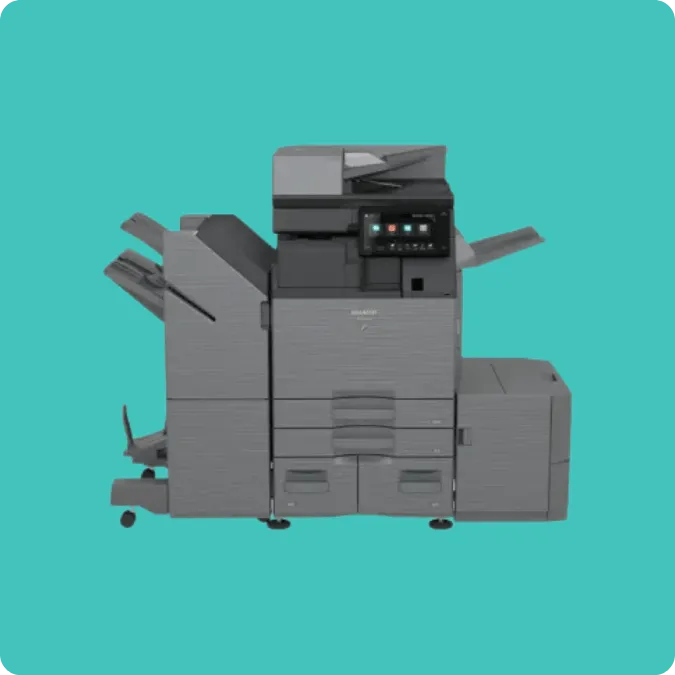
Sizing the machine
Volume, paper size and finishing decide the device
Once the colour ratio is settled, the specification comes down to how much you print, on what size paper, and what finishing it needs. Colour sits on top of those three.
A3 or A4
Paper size also shapes the specification. An A4 machine covers letters, forms and most reports, and suits most one or two machine offices. The imageFORCE C1333F, for example, is a compact A4 colour multifunction printer at 33 ppm. An A3 device adds plans, spreadsheets, posters and booklets, and usually more paper capacity. Both the Canon range and the Sharp range run from compact A4 devices to A3 machines, in colour and mono. In the Sharp range, the BP-C533WD is a 33 ppm A4 colour MFP and the BP-30M28 a 28 ppm A3 mono MFP.
The setting that costs the most
A configuration change
A colour printer with colour as the default driver setting will produce colour pages for internal drafts nobody looks at twice. It is an easy cost to avoid, and fixing it costs nothing. Set mono as the default and let people choose colour when they need it.
Uncontrolled colour gets expensive quickly. In our published work with an aged care group across 14 facilities, each facility had chosen its own devices, which left numerous unmanaged colour machines with expensive toner. Colour printing options were reduced by 60 per cent, on management's guidance, as part of the change.
What outsourcing colour costs
Mono-only works if the colour work can go out without holding anything up. For an office producing a handful of colour pages a month that is a reasonable trade. For one producing a client document every week, the larger cost is the turnaround.
A proposal finished a day early so the colour pages can be collected in the morning is a different working pattern from one printed at five o'clock and taken to a meeting at nine. An office sending colour out every week pays the print shop and still carries the delay. The useful test is how often your deadlines and the print shop's opening hours will fail to line up.
Colour and monochrome printers in Sydney, with a local technician
We have run Axia from Frenchs Forest since 1996 with our own technicians, so you speak to the person who knows your machines. Faults are fixed in hours, not days: 3.2 hours on average, with emergency response across Sydney metro under four hours. We have over 90% customer retention. The agreement terms behind the machines are on photocopier and printer leasing in Sydney, and what those agreements should contain is in printer lease contract terms.
Frequently asked questions
How to choose between colour and monochrome multifunction printers for your office?
Check your meter reads for the colour and mono split over the last three months. If colour is rare and can be sent out, choose monochrome. If client-facing colour goes out most weeks, a one-machine office usually suits a colour machine with black and white as the default, and a two-machine office one of each. Then size the machine for volume, paper size and scanning.
What are the primary cost differences between colour and mono MFPs?
Toner and hardware. A colour MFP uses four toners against one, a colour page costs several times more in toner, and the machine costs more to lease or buy. On managed print, colour and mono pages carry separate rates. On the Unlimited Print Plan both sit inside one flat monthly rate.
Does a colour printer affect the cost of printing black-and-white documents?
Not when it is set up properly. Pages printed in black and white use black toner and, on a per-page agreement, are charged at the mono rate. The cost creeps in when the driver is left on colour or automatic colour detection, because then a coloured logo in a template turns the page into a colour page.
Are monochrome printers faster than colour printers?
At the top of a range, yes: Canon's fastest A4 mono MFP runs at 71 ppm against 61 ppm for its fastest A4 colour MFP. In the middle of a range the figures are close, so size speed from your meter reads and your longest regular job.
Which type of printer is better for scanning and digitisation?
Neither by itself. Scanning speed is set by the document feeder, so a colour MFP with a fast feeder, such as the Canon imageRUNNER ADVANCE DX C3930i at up to 270 images per minute, is a fast scanner. Choose on the feeder if digitising is a regular job.
Can I print high-quality photos on an office colour MFP?
Good ones, for business use: property photos, product images and presentation packs, especially on coated stock. Machines such as the imageFORCE C7165, at 4,800 x 2,400 dpi, bring brochure-quality printing into the office. Photographic prints for sale or framing are still better done by a photo printer or a lab.
Is a colour or mono printer better for a small office?
It depends on what share of your printing faces a client. If it is mostly internal correspondence and records, mono costs less and covers the work. If client-facing documents are produced regularly, a colour machine with mono as the default is usually the better single machine.
How do I find out how much colour we print?
Print a status or meter report from the machine, which shows colour and mono pages separately, or ask your current provider for your meter history. Three months is enough to see the pattern, including any busy periods.
Can we stop staff printing in colour unnecessarily?
Yes. Set mono as the default so colour is a deliberate choice, check templates for coloured logos, and use print management software to report colour use by person or department.
Does a colour printer cost more to lease as well as to run?
Yes, on both counts. Colour-capable hardware carries a higher monthly figure, and colour pages cost more to produce. Across the term the running cost can outweigh the hardware difference, which is why the ratio matters.
Does choosing mono limit us later?
It limits that machine, and the office can still add colour. On managed print, devices can be added at any time, so a colour machine can join the mono one when the work calls for it.
Want to know your colour ratio before you choose?
Before we quote, we review your current devices, usage and print requirements, so the machine and the agreement fit your real colour and mono split.
Get your quoteAxia Office · Unit 6, 14 Rodborough Rd, Frenchs Forest
NSW 2086
(02) 9975 0888