
How to Print Heavy Paper & Labels on Canon | Axia Sydney
Printing on Heavy Paper or Labels
The bypass tray is most commonly used to print on heavier paper, labels or Envelopes.
01. Open Bypass Tray
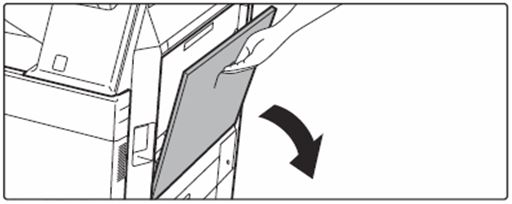
When loading paper larger than 8-1/2" x 11"R or A4R, pull out the extension guide all the way out.
02. Load the paper with the print side facing down.
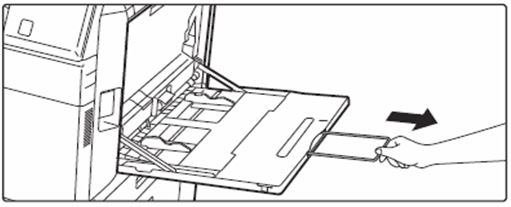
Adjust the bypass tray guides so that they slightly contact the loaded paper.
When you do this the screen will change to let you select what type of paper you have put in.
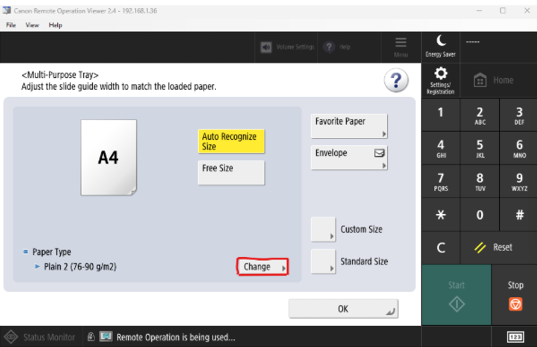
Press the “Change” button and select the paper type.